

Subscribe to your favorite products
No hidden fees or shady cancellation policies. Kickstart your routine today.

Why Subscribe?
Get a surprise free gift with every upcoming subscription delivery, enjoy 15% off every order!
No hidden fees or shady cancellation policies. Kickstart your routine today.

Get even more exclusive discounts, free gifts, and early access to new patches.
Change frequency or cancel anytime
Earn loyalty points and rewards
Subscribe now
How Does it Work?
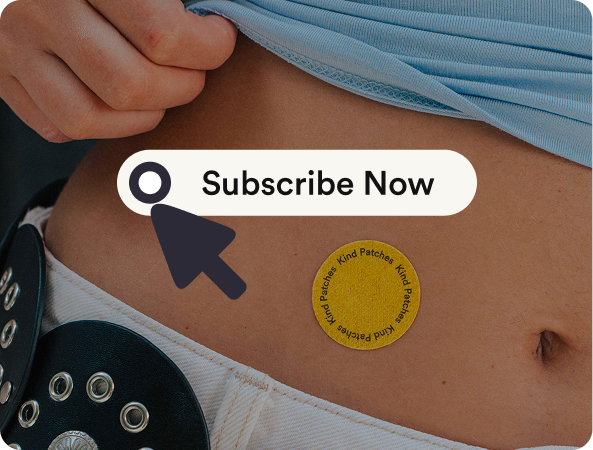
1. Choose Product
Shop and select the “Subscribe” option for your favorite product.
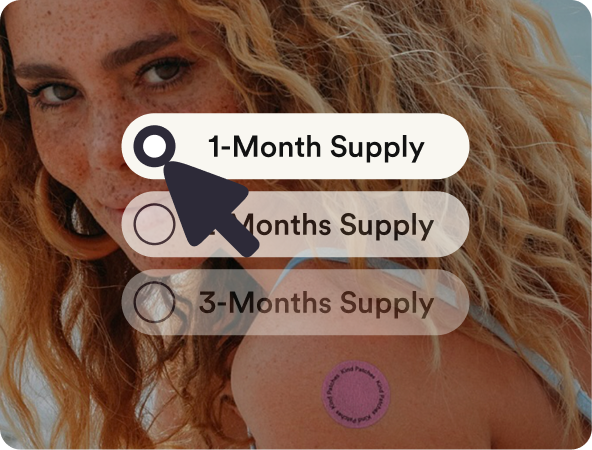
2. Select Frequency
Choose your shipping frequency and enjoy 15% off.
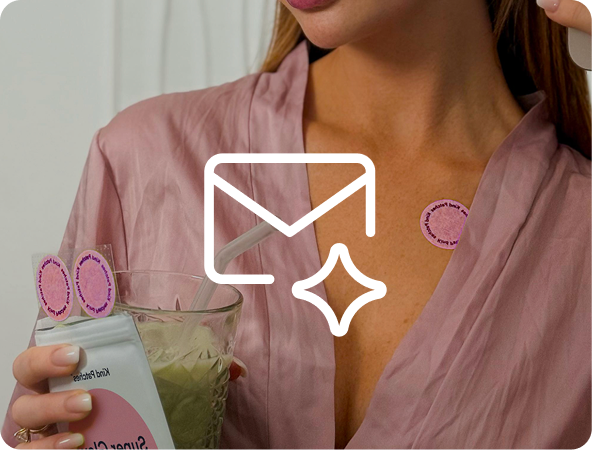
3. Keep up-to-Date
Get an email every time your Kind Patches order is scheduled to ship.
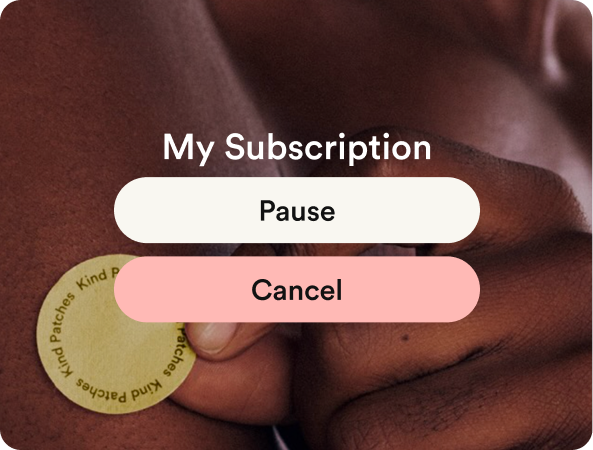
4. Flexible Plan
Change, pause or cancel your subscription at any time. No strings attached.
How Do I Find My Subscription Profile?
1
Log in
Go to kindpatches.com and click on the login icon.
For Desktop: top right corner, the icon in the middle.
For Mobile: click on the menu with three lines on the left top corner, then find the icon where it says log in next to it at the bottom and click on it
2
Email (6-digit code)
You will now be asked to log in with your email.
Enter your email, press continue, then enter the 6-digit code that has been sent to your email and press submit
3
Manage Subscriptions
Now within your kindpatches account, go to “Manage Subscriptions”
For Desktop: On the left side, find the tab where it says “manage subscriptions”
For Mobile: On the top left menu, click on “manage subscription”
Manage Your Subscription
Amount & Frequency
1
In your subscription profile, click “Manage Subscription”
2
Choose which subscribed product you would like to edit
3
Click “Manage this Subscription”. You can edit the amount and frequency of your subscribed product and press “save changes”
Cancellation
1
Click “Manage Subscriptions”
2
Choose which subscribed product you would like to cancel
3
Click “Manage this Subscription”
4
Then “Cancel Subscription”
Easy Subscription Management

Cancel your subscription at any time

Reactivate a previously cancelled subscription

Swap your product for a different one

Edit the quantity for upcoming orders

Change your next order date

Skip a shipment if you need a break

Adjust your delivery frequency
(e.g. switch from every 30 days to 60 or 90 days)
These statements have not been evaluated by the Food and Drug Administration. These products are not intended to diagnose, treat, cure, or prevent any disease.